Viewer
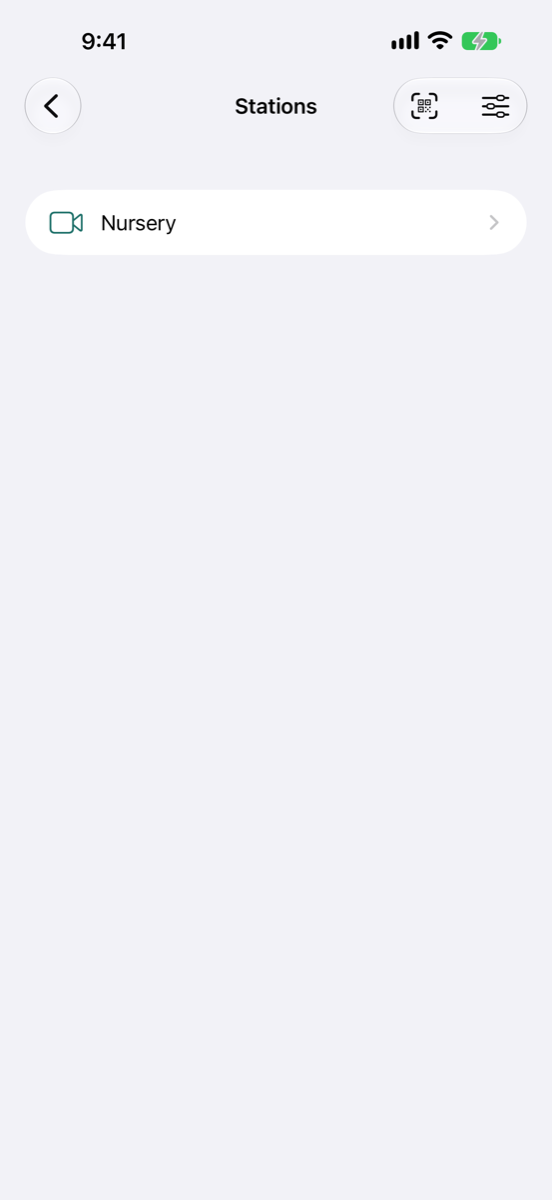
Stations
Tap Viewer on the first screen to see your paired stations.
| Control | What it does |
|---|---|
| A station | Starts watching it. |
| Add Station (code reader) | Scans a station's pairing code. See set up your first station and viewer. |
| Settings (sliders) | The viewer's settings. |
Swipe left on a station, or touch and hold it, to remove it.
Watching
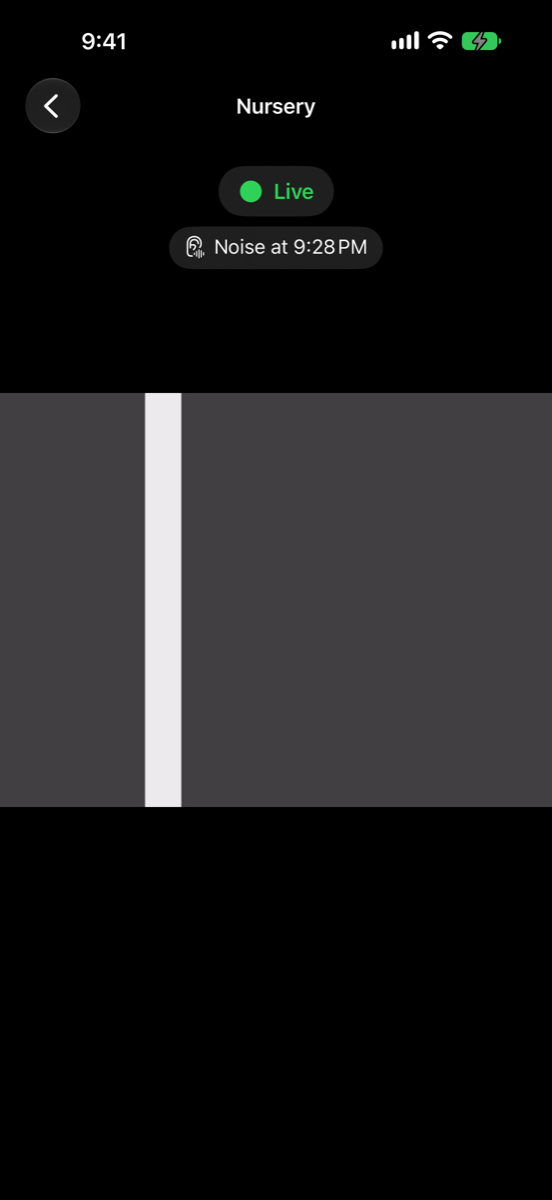
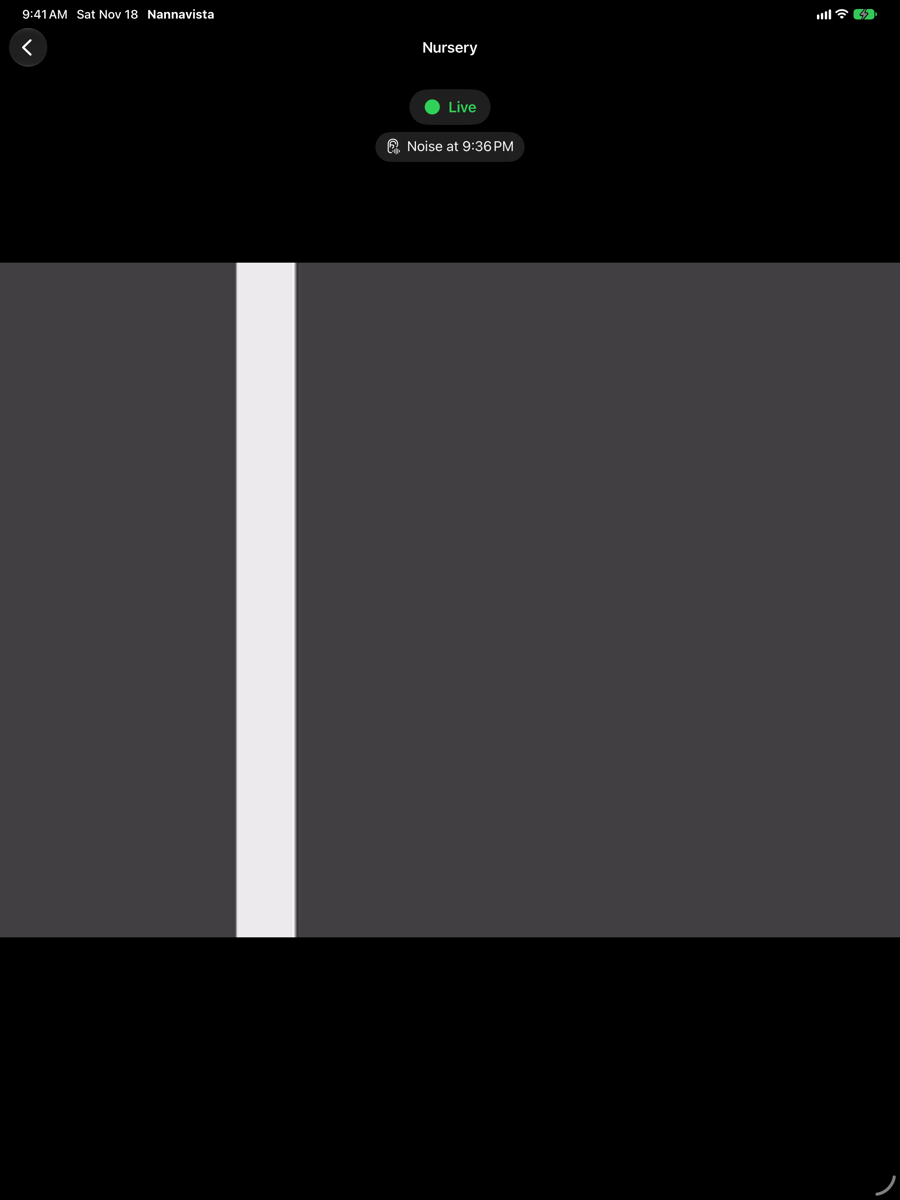
The station's picture fills the screen, and the viewer plays its sound. At the top, the viewer shows:
- The status: Connecting…, Live, Interrupted for and a time, or Station paused. While the station is not live, its last picture is dimmed.
- The station's battery, with a lightning bolt while it charges.
- Notes about the station, such as The station sends no sound., The station is warm and sends a smaller picture. or The room is too dark for a clear picture.
- Hints when the alarm may not reach you, with Open Settings; see make sure the alarm reaches you.
- Noise at and a time: when the station last heard a noise.
- During an alarm, a red banner with Silence Alarm; see when the alarm sounds.
When the station sends sound only, the viewer shows Audio Only; when it sends neither, Video and Sound Off.
To stop watching, go back to the list of stations.
On the Lock Screen
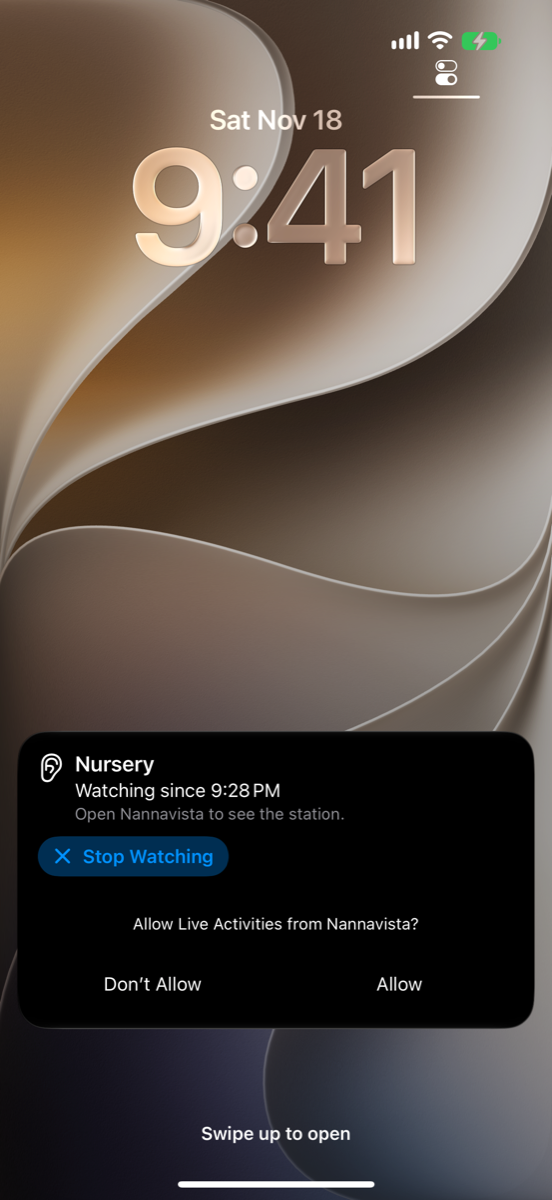
You can lock the viewer or switch to another app while you watch. You keep hearing the station, unless you turned off Sound in Background. The Lock Screen and the Dynamic Island show which station you watch and since when. Tap Stop Watching there to end watching.
They don't show the station's status: iOS doesn't let Nannavista update them while it plays sound in the background. Notifications tell you about noise and interruptions, and the alarm sounds as usual. Open Nannavista to see the station.
Settings
On the list of stations, tap Settings. The settings apply to every station on this device.
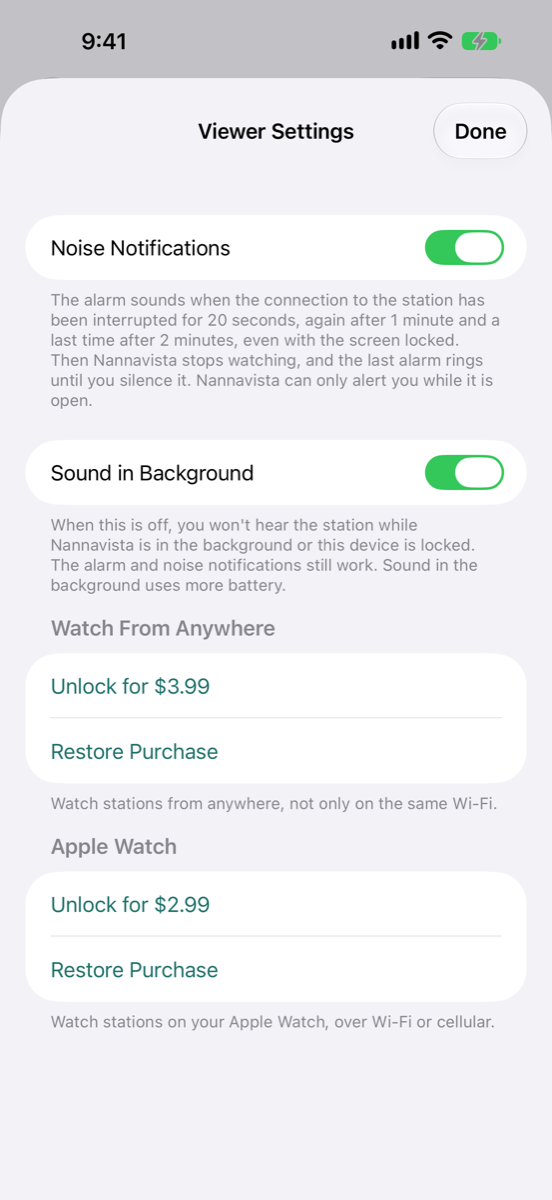
| Setting | What it does |
|---|---|
| Noise Notifications | On by default. While Nannavista is in the background, a notification tells you when the station hears a noise. Below it, the viewer explains when the alarm sounds. |
| Sound in Background | On by default. When it is off, you won't hear the station while Nannavista is in the background or the device is locked. The alarm and noise notifications still work. Sound in the background uses more battery. |
| Watch From Anywhere | The one-time purchase for watching a station that is not on the same Wi-Fi: Unlock for and the price, or Restore Purchase. Shows Purchased once you own it. See watch from a hotel. |
| Apple Watch | On iPhone: the one-time purchase for watching on an Apple Watch. You can also buy it on the watch. See Apple Watch. |
Restore Purchase brings back a purchase made before, on this or another device or by a family member. Nannavista then says Purchase Restored, No Purchase Found or Couldn't Restore Purchase, with what to do next.