Remove a device
Remove a viewer or a station when you sell or give away a device, or when a device should no longer watch. To watch again afterwards, pair the two devices again, side by side.
Remove a viewer on the station
- On the station, tap Viewers. On iPhone, it is in the menu behind the More button (…) at the top right.
- Swipe left on the viewer and tap Remove, or touch and hold it and choose Remove.
- Confirm with Remove.
The viewer can no longer watch this station, also if it is watching right now. An Apple Watch is removed the same way; it shows a watch symbol in the list.
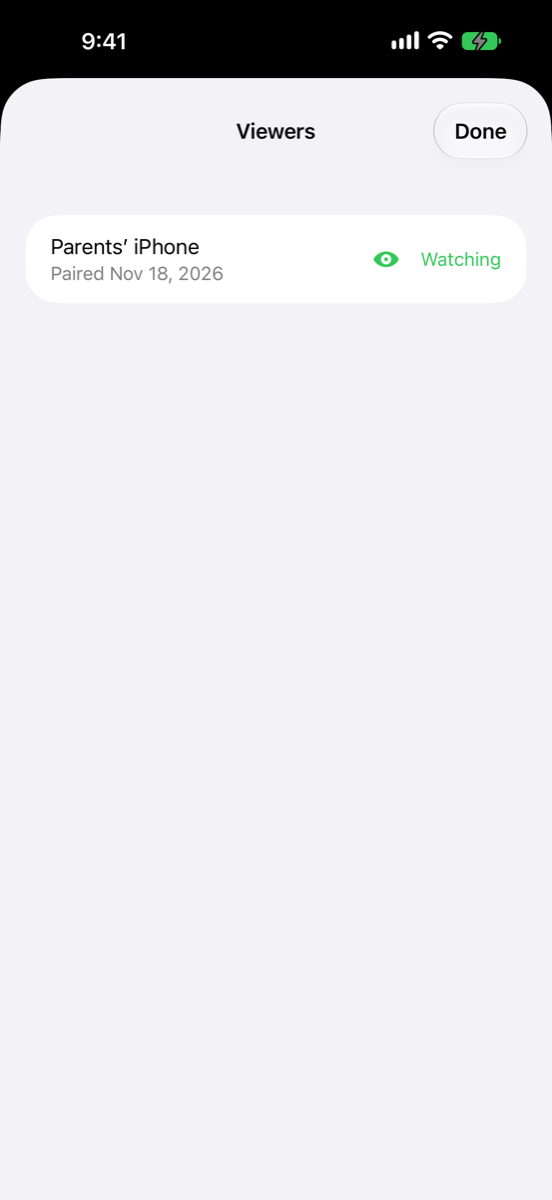
This is the safe way to end a pairing: the station decides who may watch. A viewer that is watching at that moment says The station ended the connection. If this device was removed there, pair it again. Remove the station on the viewer as well to tidy up its list.
Remove a station on the viewer
- On the viewer, tap Viewer to see the list of stations.
- Swipe left on the station and tap Remove, or touch and hold it and choose Remove.
- Confirm with Remove.
The viewer can no longer watch the station. The station still lists the viewer until you remove it there too.
Remove a station on the Apple Watch
See remove a station on the Apple Watch.
If removing fails
If Nannavista can't remove a device, it says Couldn't Remove and the device's name. Tap Try Again.