Station
The station shows what its camera sees, with its controls at the top and its status at the bottom. It keeps the screen on while it runs.
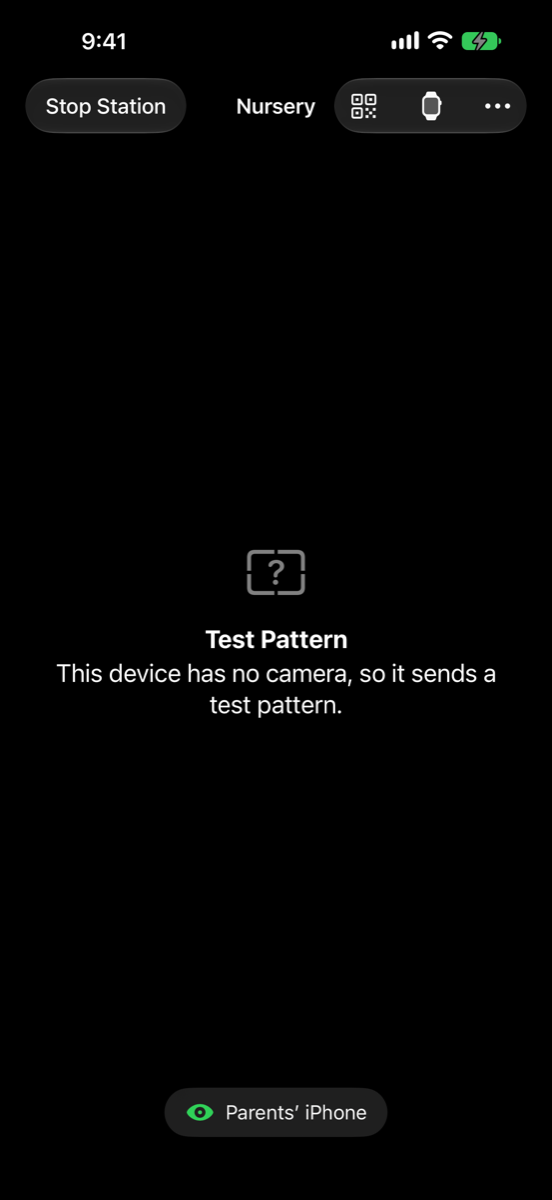
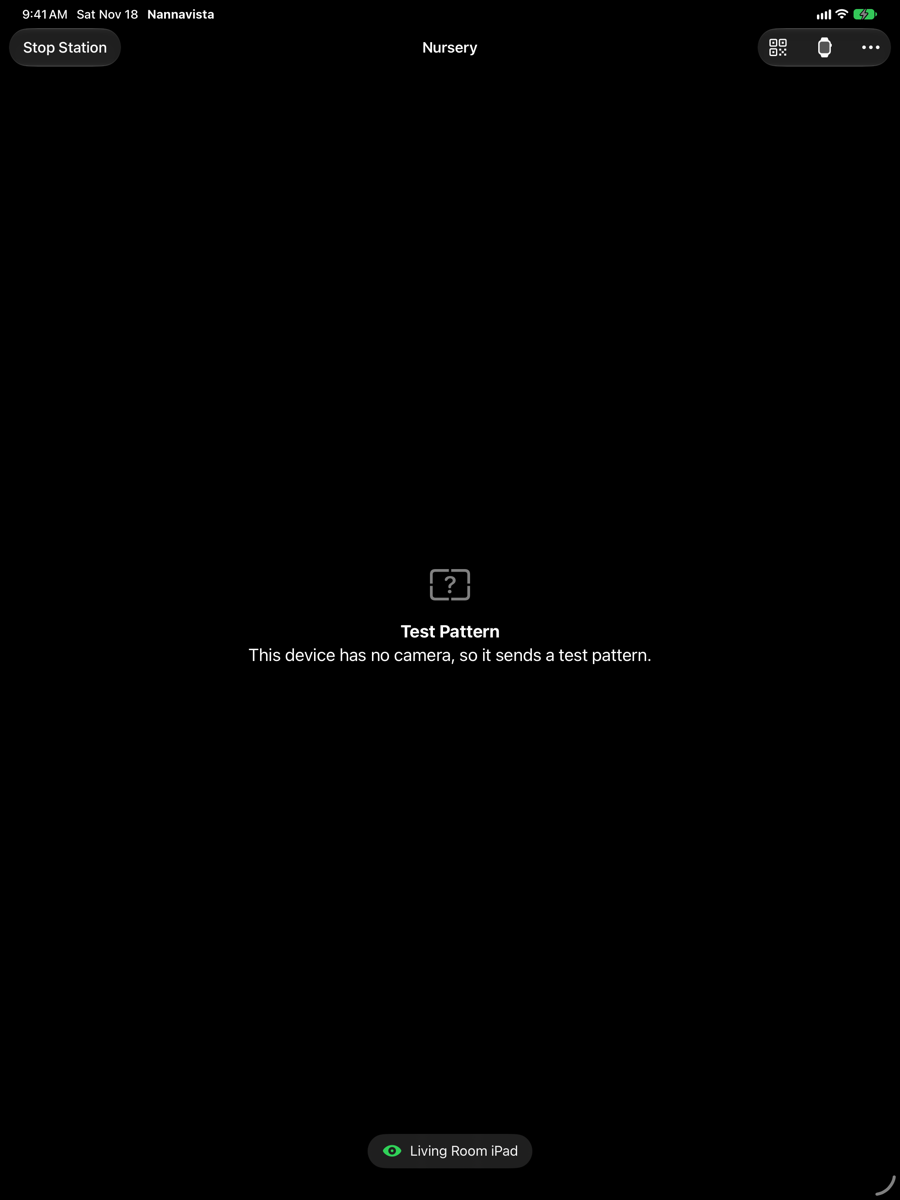
Controls
| Control | What it does |
|---|---|
| Stop Station | Asks Stop the Station?, then stops sending and returns to the first screen. See stop the station. |
| Switch Camera (camera) | Switches between the front and the back camera, on devices that have both. Unavailable while the station sends no video. |
| Pair Viewer (code) | Shows the pairing code that a new viewer scans. See set up your first station and viewer. |
| Add Apple Watch (watch) | Scans the code an Apple Watch shows. See add a station on the Apple Watch. |
| Night Mode (moon) | Turns the screen black at the lowest brightness right away. A tap wakes it. On iPhone, it is in the menu behind the More button. |
| Viewers | The paired viewers and which of them are watching. On iPhone, it is in the menu behind the More button. |
| Settings | The station's settings. On iPhone, it is in the menu behind the More button. |
Night mode
After a minute without a touch, the station's screen turns black at the lowest brightness, so that it neither lights up the room nor drains the battery. At the bottom, a dim line says Watching while a viewer watches, or No viewer connected. Tap the screen to see the picture and the controls again. The station keeps sending all the time.
Status
The bar at the bottom shows:
- The names of the viewers that are watching, with a green eye, or No viewer connected.
- Warnings with a yellow triangle, when something keeps the station from working as it should, such as a missing permission. See fix connection problems.
- Notes in smaller type:
- Not on Wi-Fi: viewers connect over the internet.
- Sound is off. when Send Sound is off.
- Connect a charger to keep this station running.
- This station is warm, so it sends a smaller picture.
- The room is too dark for a clear picture.
With Send Video off, the station shows Audio Only instead of the picture; with Send Sound off as well, Video and Sound Off.
Settings
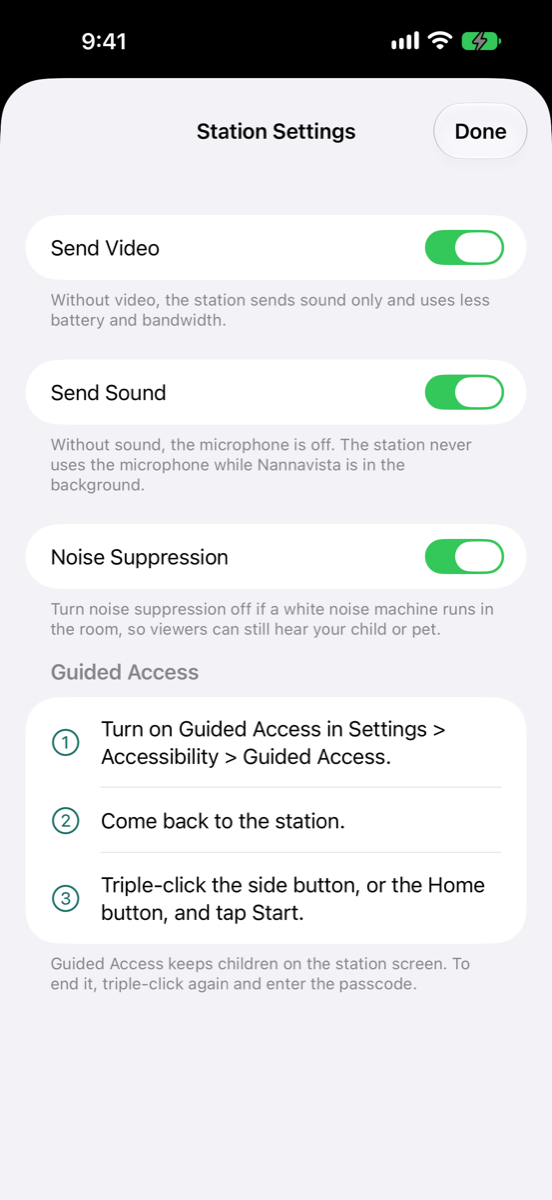
Tap Settings to change what the station sends. The settings stay for the next time you start the station.
| Setting | What it does |
|---|---|
| Send Video | On by default. Without video, the station sends sound only and uses less battery and data. |
| Send Sound | On by default. Without sound, the microphone is off. The station never uses the microphone while Nannavista is in the background. |
| Noise Suppression | On by default. Turn it off if a white noise machine runs in the room, so viewers can still hear your child or pet. |
| Guided Access | The steps to turn on Guided Access, shown while it is off. See keep children away from the station. |
Viewers
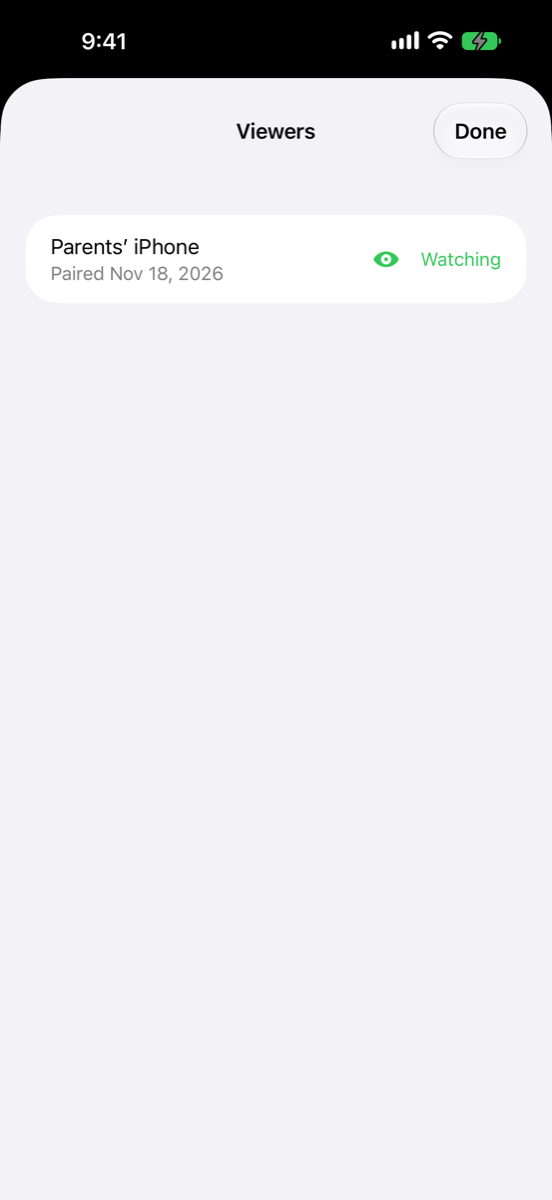
Tap Viewers to see the paired viewers, when each was paired and which are watching right now. Swipe left on a viewer to remove it.
A station allows three viewers to watch at a time.
When Nannavista leaves the screen
When you switch to another app, go to the Home Screen or lock the station, iOS stops the camera and the microphone. The station pauses: viewers see Station paused, and after a while their alarm sounds. Keep Nannavista open on the station, and use Guided Access so that nobody leaves it by accident.